
Farmnavigator Software
¡Empiece en tan solo unos pasos!
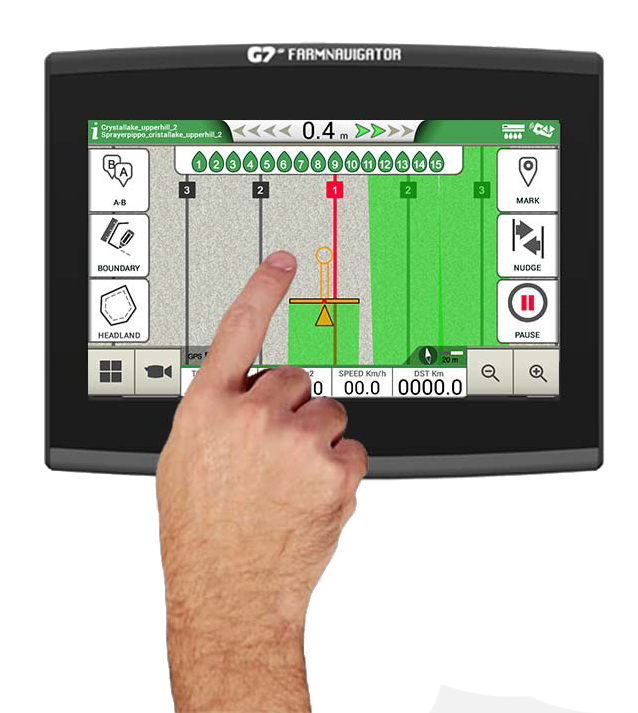
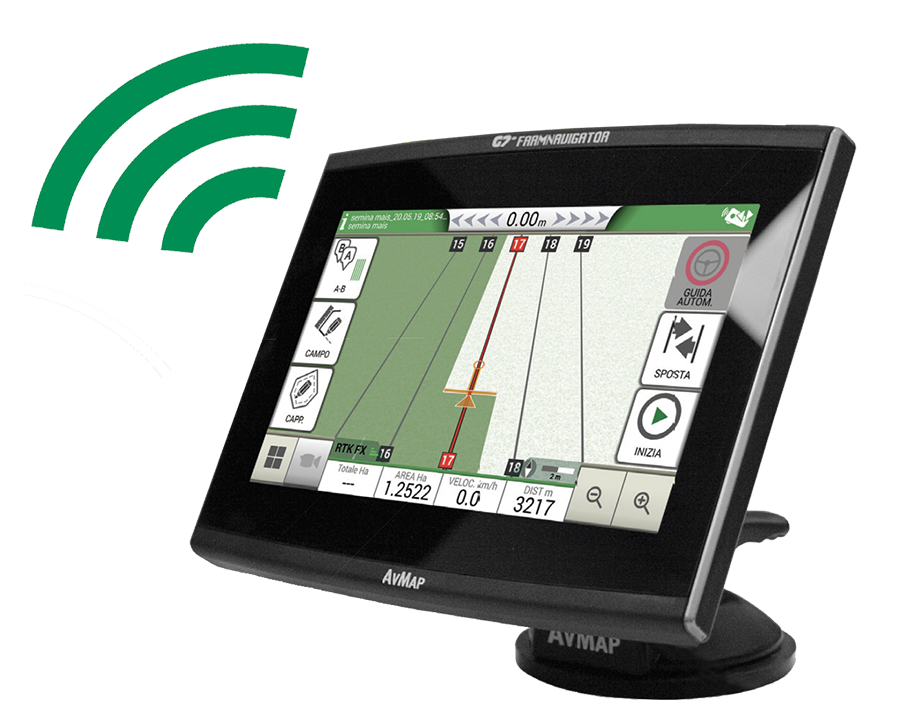
El software FARMNAVIGATOR, perfeccionado durante más de 15 años gracias también a las sugerencias de los clientes, ofrece funciones avanzadas en una interfaz sencilla y fácil de usar para el agricultor, con botones grandes e intuitivos.
En la vista de campo puedes controlar todos los datos más importantes y todo está a tu alcance gracias a los menús plegables.
Puedes utilizar varios gestos con los dedos en la pantalla para desplazarte por los menús o para ampliar o reducir la vista de campo estirando y pellizcando con dos dedos.

Farmer Friendly Software
The most intuitive yet advanced software for parallel guidance
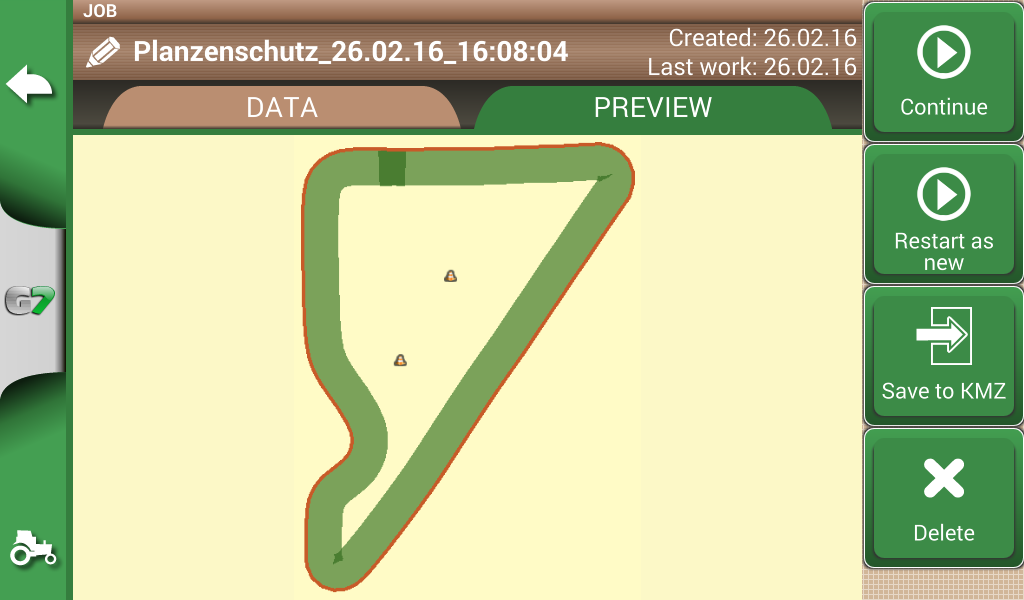
Map your fields
Start creating your fields’ database: measure your field boundary, calculate the area and save the position of obstacles or soil samples.
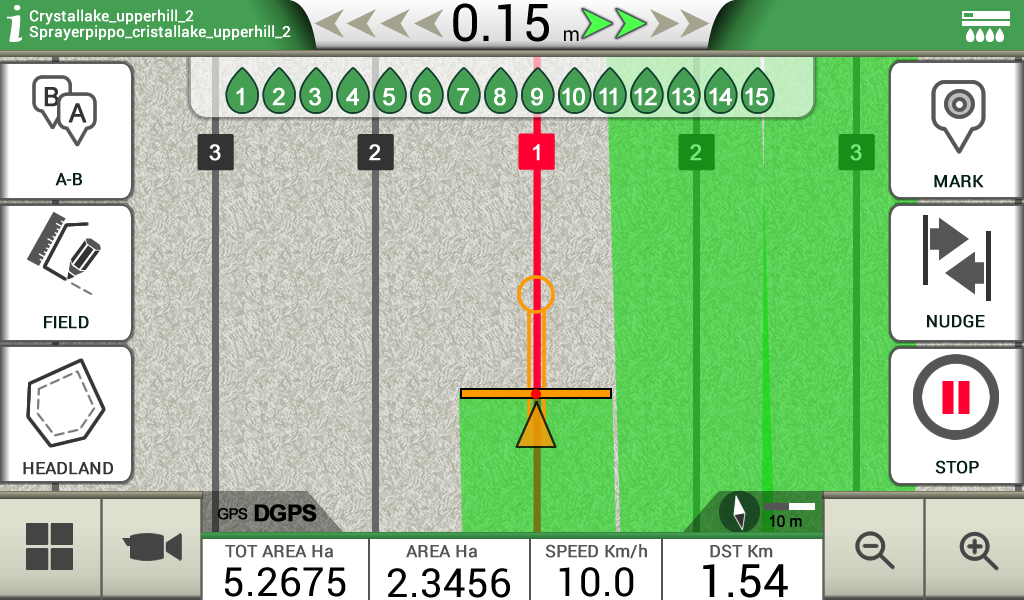
Satellite Assisted Parallel Guidance
Choose the guidelines for your activity and follow the guidance cursor to correct your driving.
-
Choose among A-B parallel lines, identical curves, adaptive contour or pivot guidelines.
-
Save and recall guidelines for further activities in the field.
-
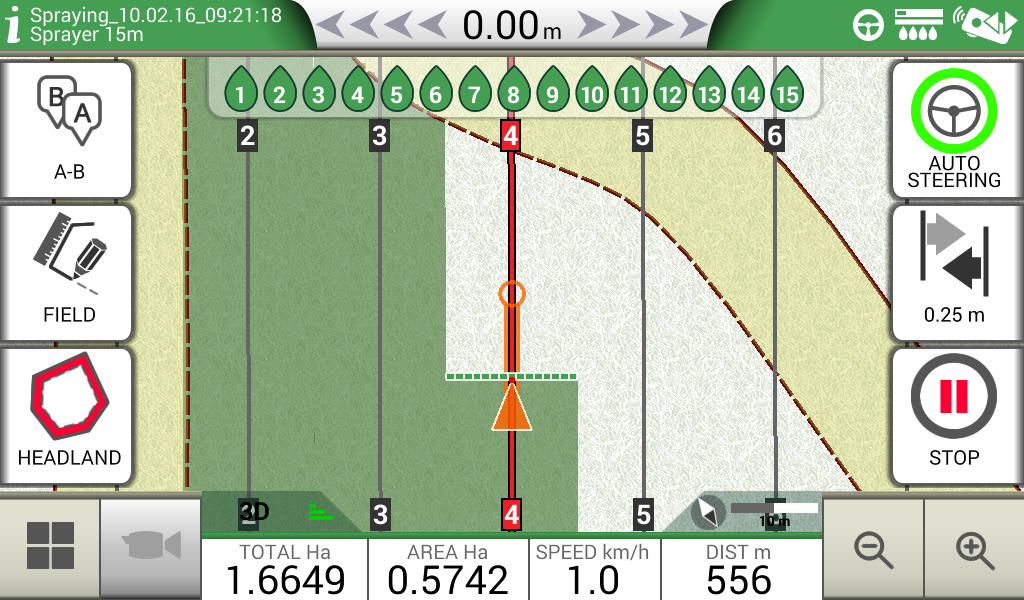
Make sure the guidance line is always visible through the circle on the top of the smart cursor. The cursor will help you understand the tractor turn radius, to quickly correct your steer.
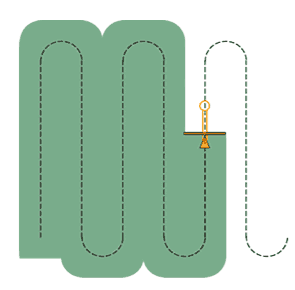
Parallel guidelines
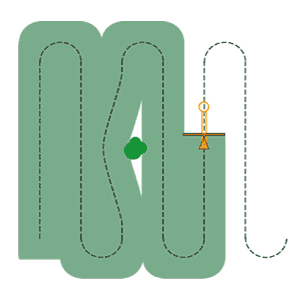
Contour
(Identical curves)
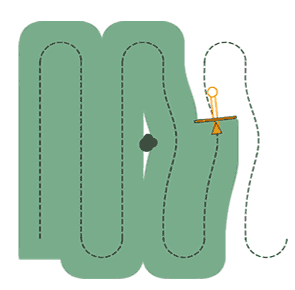
Adaptive Contour
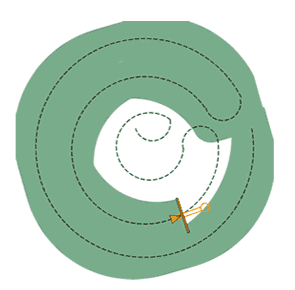
Pivot
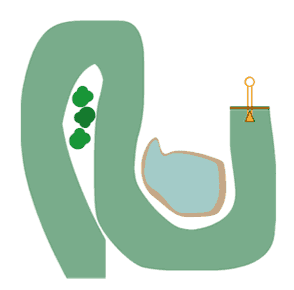
Free scheme
Headland Management
When starting a job, you can create a headland within the field boundary, based on your working width.
-
The Headland Management function is very useful for irregular fields such as triangular fields. When active, the Automatic Section Control will close the sections of the implement at the headland border, the headland can be worked at the end, avoiding unnecessary overlaps.
-
The headland function can be used with A-B parallel guidelines, identical curves and adaptive contour guidelines.
Jobs Database
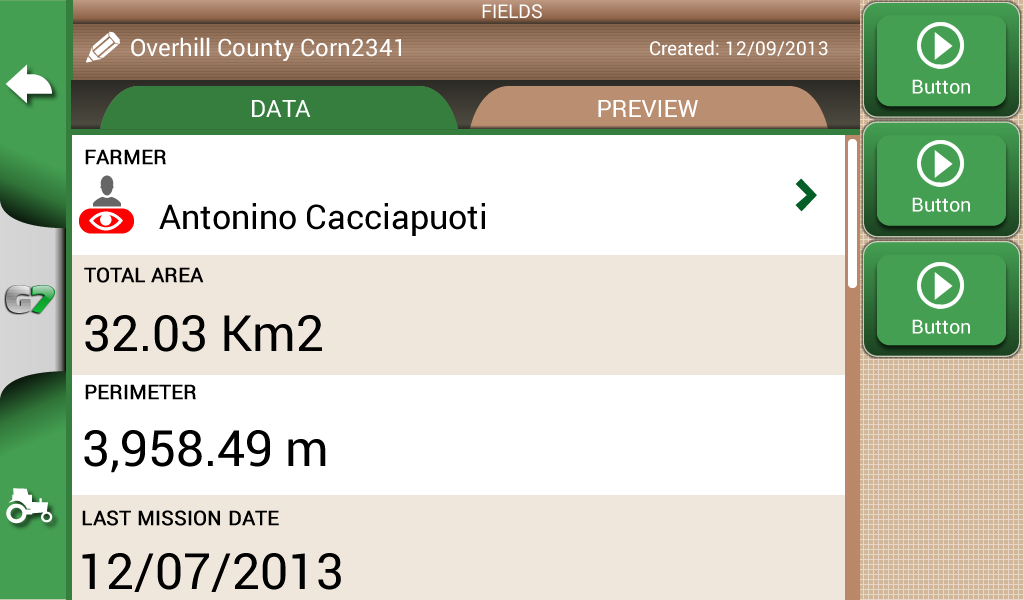
G7 Plus Farmnavigator records data for each Job: farmer, activity, field, implements used, products used, worked area, total time etc.
-
Manage your data: fields and jobs can be exported to Google Earth as .kmz files.
Section Control
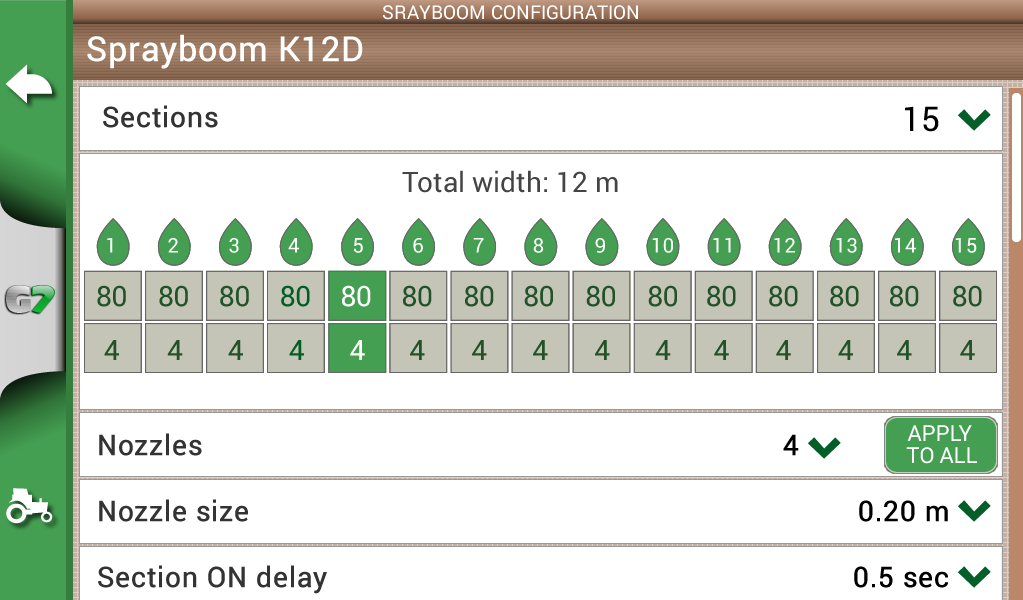
Create a profile for each implement and activity e.g. seeding, fertilizing, or spraying: set the working width, or the number of boom sections and their individual width. Then choose a profile and get indications for manual boom switch control to start reducing costs and protecting the environment.
Control your implements
-
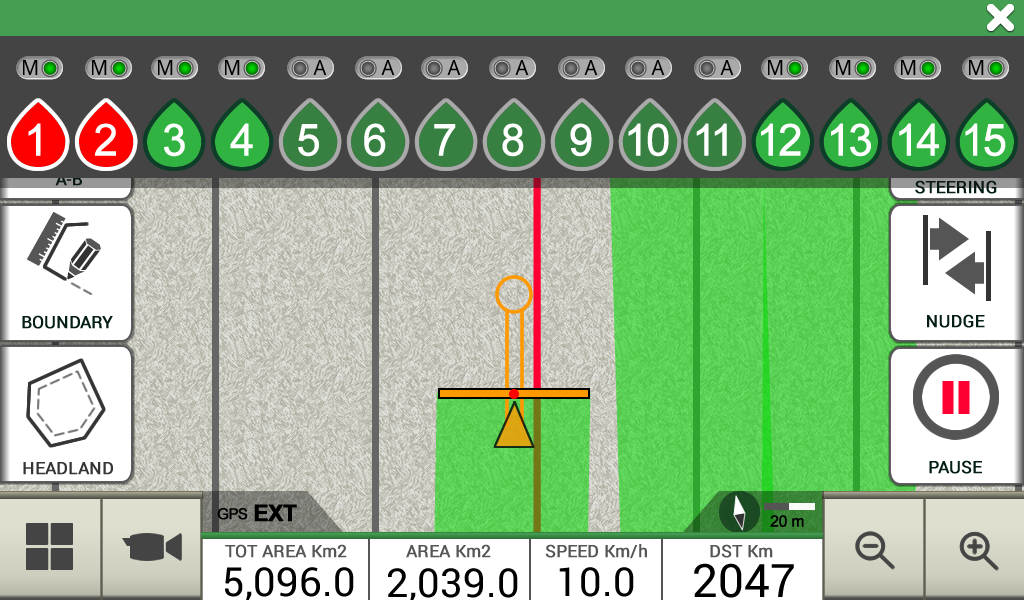
Connect a compatible controller ( MC Elettronica, Caffini, Farmscan) to G7 Farmnavigator for higher precision and productivity. G7 Farmnavigator calculates the exact treated area and controls automatically the boom sections based on the position received by the DGPS antenna.
-
You can still close or open manually a section from the display forcing the automatic control.
Satellite Navigation
Offline Satellite Navigation with HERE maps
You can use G7 Plus Farmnavigator all year round to navigate to you fields or to anywhere else, thanks to the Road navigation function and HERE maps included!
-
Navigate with Satellite Navigation software by AvMap
-
Listen to turn-by-turn instructions with the Bluetooth speaker.
-
You can choose among five maps: Europe / Russia / Brazil / North America / Australia
Actualizaciones vía WiFi
Ninguna preocupación
Las actualizaciones de software de G7 Plus se realizan automáticamente vía WiFi, por lo que no tendrás que preocuparte por procedimientos complejos, siempre obtendrás las últimas funciones y mejoras sin ningún esfuerzo.
Farmnavigator Product line